
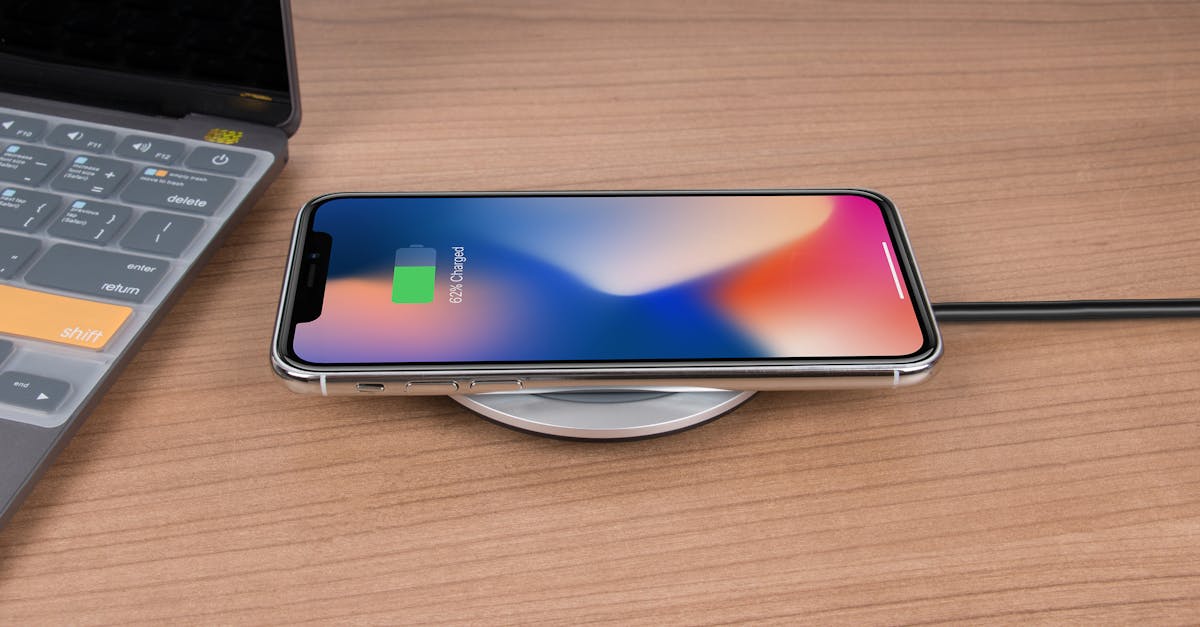
Picture this: you plop your iPhone onto its sleek wireless charger, expecting that satisfying little chime of power. Instead, you’re met with the silence of disappointment. Why won’t your beloved device charge? It’s like trying to make a cat take a bath—frustrating and baffling.
Wireless charging should be as effortless as scrolling through social media, but sometimes it feels like your iPhone has other plans. Whether it’s a rogue case or a sneaky setting, there are plenty of reasons your phone might be playing hard to get. Get ready to dive into the quirks of wireless charging and discover why your iPhone might be giving you the cold shoulder.
Table of Contents
ToggleCommon Reasons For Wireless Charging Issues
Wireless charging issues often stem from various factors that interfere with the process. Understanding these factors can help users resolve their problems efficiently.
Hardware Compatibility
iPhones with specific hardware versions work best with wireless chargers. Older models may lack optimized charging capabilities. It’s crucial to check the device‘s specifications to ensure compatibility with the charging pad. Devices without built-in wireless charging technology cannot utilize this feature. The charging coil placement within the phone also affects charging efficiency. Misalignment often leads to subpar performance. Users should consider upgrading to a newer model if compatibility is a recurring issue.
Wireless Charger Compatibility
Not all wireless chargers are created equal, and some may not work with every iPhone model. Qi certification indicates a charger meets industry standards for wireless power transfer. Chargers lacking this certification might not deliver effective charging. The wattage rating of the charger also matters; lower wattage models may charge the iPhone more slowly or not at all. Checking manufacturer guidelines ensures proper compatibility. Users can also consult online resources for compatibility charts to avoid potential discrepancies.
Troubleshooting Steps
Follow these steps to identify and resolve issues with wireless charging on an iPhone. Success often depends on checking both the charger and inspecting the device itself.
Checking the Charger
Verify that the wireless charger is Qi-certified, as compatibility is crucial. Inspect for debris or dust on the charging pad, which could obstruct connections. Ensure the charger is plugged into a functional power source. Look for any indicators, such as LED lights, that should signal the charger is operational. Consider testing the charger with another device to confirm it is working properly. Different chargers may have various wattages; using one that meets your iPhone’s requirements may enhance charging performance.
Inspecting the iPhone
Focus on whether the iPhone has a case that might interfere with charging. Some thick or metallic cases can disrupt the wireless charging signal. Check for any damage on the device’s back, as scratches or dents might impact contact with the charging pad. Restart the iPhone to refresh settings and eliminate temporary issues. Update the iOS software, since newer versions may improve wireless charging functionality. Verify that no foreign objects, like cards or coins, are trapped between the iPhone and the charger.
Alternative Charging Methods
When an iPhone won’t charge on a wireless charger, exploring alternative charging methods proves beneficial.
Wired Charging Solutions
Using a wired charger offers a straightforward and reliable charging option. USB-C to Lightning cables connect seamlessly to most modern iPhones. Users can connect their iPhones to a power outlet, ensuring a consistent power supply. Quick charging capabilities exist with compatible adapters. Many individuals find that wired charging bypasses wireless hazards, like misalignment or case interference. By utilizing a wired approach, users often experience faster charging times, especially in urgent situations.
Other Wireless Chargers
Testing different wireless chargers might solve charging issues. Various brands manufacture Qi-certified chargers that may perform better than the original one. Some models support higher wattages, leading to improved charging speeds. Compatibility varies across wireless charger designs, so checking device lists ensures a better match. Users can also look for chargers with adaptive technology, which adjusts power output based on device needs. Experimenting with these alternatives can enhance the overall wireless charging experience.
When To Seek Professional Help
Wireless charging issues can sometimes indicate more serious problems with the iPhone. Experiencing persistent charging failures, even after attempting various troubleshooting methods, warrants professional assessment. Signs of a charging port malfunction or battery degradation often become apparent during these instances.
Physical damage to the device can also contribute to charging difficulties, making inspection crucial. Users should pay attention to cracks or other noticeable defects. If attempts to charge with both wireless and wired methods fail, a deeper investigation is necessary.
Loss of software functionality might also affect the charging process. Anomalies in the device’s operating system could require expert intervention to resolve. When users notice unusual behavior or error messages, seeking help becomes a proactive step.
Persistent overheating can signal battery issues or internal hardware failures that professionals should evaluate. If the iPhone excessively heats up during charging, it’s critical to avoid further use until a technician examines the device.
Lastly, relying on unauthorized repair services can lead to unwise consequences. Certified technicians provide assurance that repairs align with safety standards and manufacturer guidelines. When in doubt or experiencing unresolved problems, consulting a professional can save time and frustration in the long run.
Wireless charging frustrations can be tackled with a bit of understanding and troubleshooting. By identifying potential issues like case interference or charger compatibility users can often resolve their problems without much hassle. Exploring alternative charging methods can also provide a quick solution when wireless options fail.
For those facing persistent charging issues it may be time to consult a professional. Recognizing when to seek expert help ensures that any underlying problems are addressed effectively. With the right approach users can enjoy a seamless charging experience and keep their iPhones powered up and ready to go.

